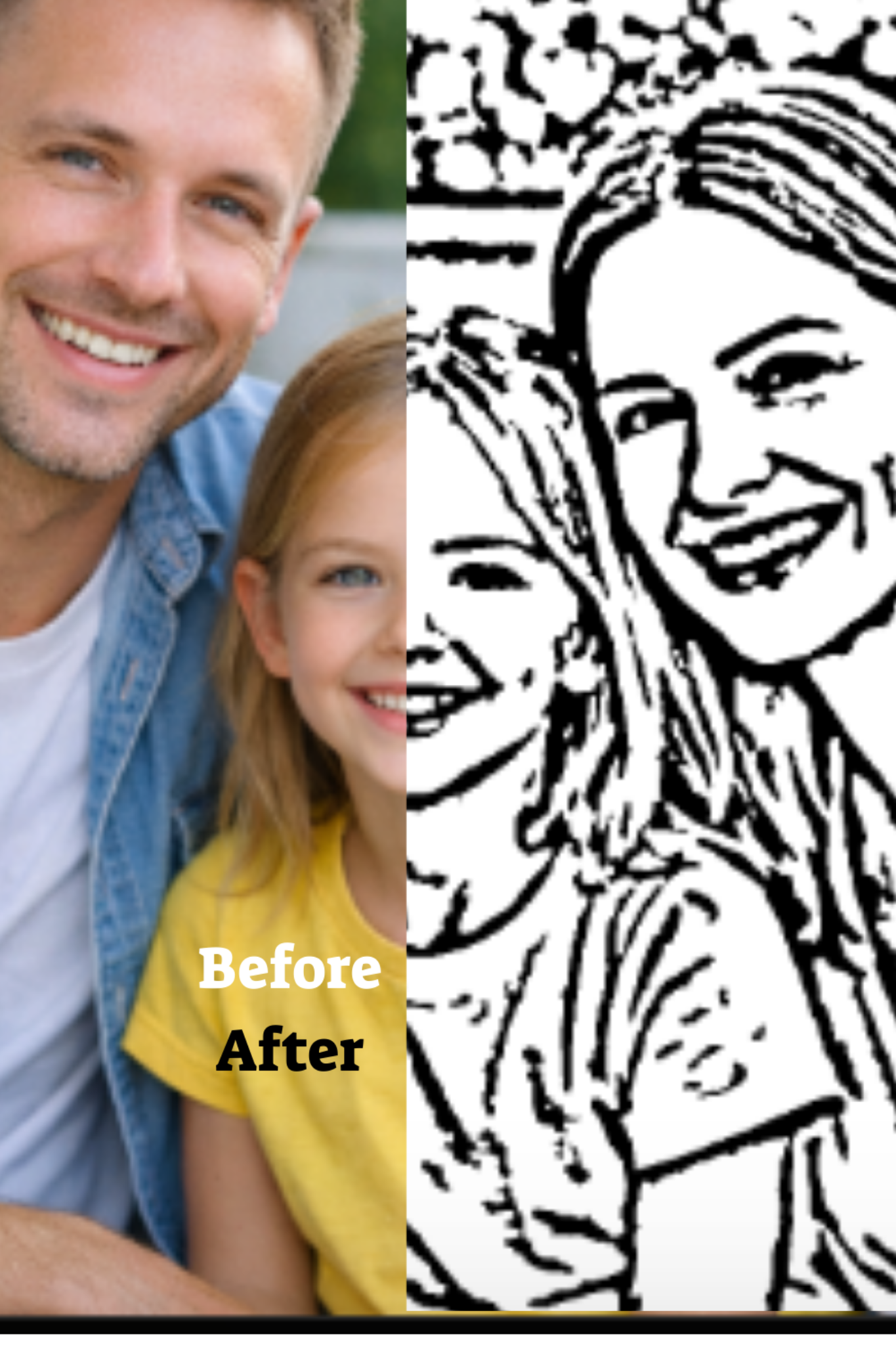
Photo to line drawing from picture
A line drawing is the core of a great coloring page. The goal is not artistic perfection. The goal is clear, printable outlines that a child can color without confusion. This guide explains what affects line quality and how to get better results from real photos.
- Keep the important edges, remove clutter
- Improve results with better input photos
- Get a print ready A4 PDF
Related: Pillar page · Outline drawing guide · A4 PDF printing
Why line drawing quality matters
Coloring pages work when the brain can quickly recognize the subject. That recognition comes from a few strong outlines: face shape, hair silhouette, hands, and big objects. If the drawing has too many lines, kids feel overwhelmed. If it has too few, the subject becomes unrecognizable.
For the main end to end hub, use: Photo to coloring page. This page supports that hub by targeting line drawing intent searches.
How to get cleaner line drawings
Choose simple backgrounds
Background texture creates extra edges. Crop tighter and pick photos with clear separation between subject and background.
Use sharp photos
Blur breaks edges. If faces are soft, the line drawing will look shaky. Choose the sharpest image you have.
Avoid harsh shadows
Hard shadows can become thick black blobs. Softer light produces smoother outlines and more open coloring space.
Reduce tiny detail
Micro patterns in clothes, wallpaper, and hair texture can overwhelm the page. Simpler inputs lead to more kid friendly results.
If you want better input photos, read: What makes a good photo for a coloring page.
Best uses for line drawings from photos
Family portraits
Family portraits are the most meaningful coloring pages because the subject is familiar. Clean outlines help kids recognize the people they love.
Pets
Pets convert well when the silhouette is clear and the eyes are visible. Avoid messy backgrounds and tiny fur detail in low light photos.
Simple moments
One child with one toy, one parent holding a baby, one pet sitting still. Simple scenes make the cleanest line art.
Printing tips
Once you have a clean line drawing, print from the PDF at Actual size. For a full checklist, read: How to print coloring pages at home. If you want an A4 focused guide, read: Photo to coloring page A4 PDF.
Next step
Create your page here: Create a coloring page. For the hub guide, go to: Photo to coloring page.
Back to the pillar: Turn family photos into printable coloring pages.
Ready to create your coloring page
Upload a photo, preview the result, then choose a plan and receive your printable A4 PDF by email.