Turn a picture into an outline drawing
Outline drawings are what make coloring pages readable. The goal is simple: keep important edges, remove clutter, and produce lines that print cleanly. This page shows the practical rules that consistently create better line art from real family photos.
- What makes outlines clean vs noisy
- How to reduce detail without losing faces
- How to get a print ready A4 PDF
Related: Pillar page · Pick a better photo · Print at home
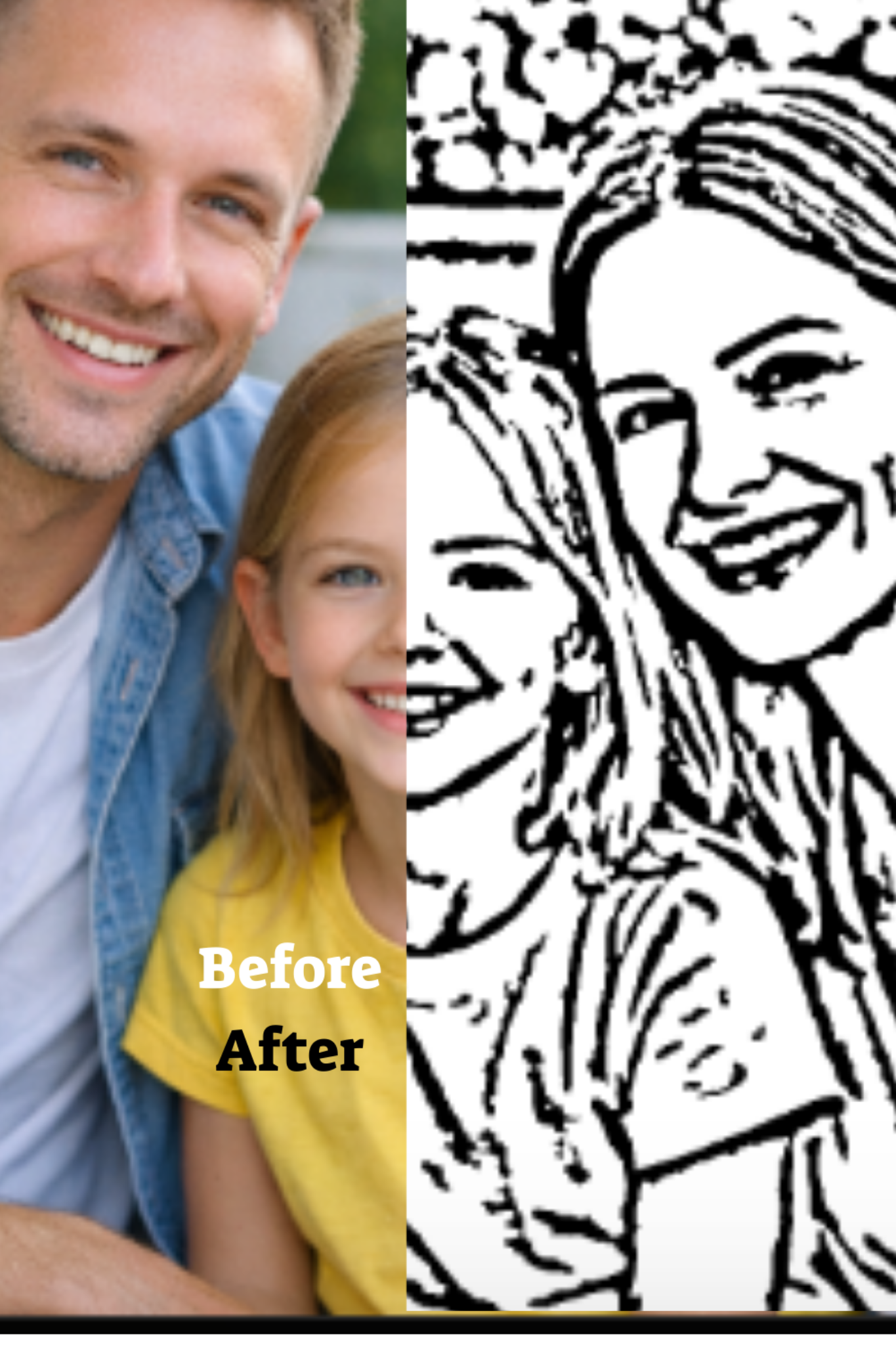
What an outline drawing actually is
An outline drawing keeps edges that define shapes: face contours, hair silhouette, hands, clothing borders, and big objects. It removes small textures: skin pores, fabric weave, tiny background patterns, and random noise. For kids, fewer clear lines beat many messy lines every time.
If you want the full end to end process from upload to printable PDF, use the hub: Photo to coloring page. This page focuses on the outline concept so the hub page gains stronger topical support.
How to get cleaner outlines from a photo
Use simple backgrounds
Background clutter creates thousands of extra edges. Crop tighter. Pick photos with walls, sky, or soft scenery. The subject should visually separate from the background.
Prefer good lighting
Even light creates stable edges. Harsh shadows often become thick black regions that ruin coloring space. Natural window light is the most forgiving.
Avoid motion blur
Blur destroys edges. If hair and hands look smeared in the photo, outlines will be broken and noisy. Choose the sharpest frame.
Reduce micro detail
Busy clothing patterns can dominate the page. If you can, use photos where clothing is simple. If not, crop closer to faces and keep the subject area dominant.
Best photos for outline drawings
Portraits and headshots
Faces are the main emotional target. Portraits produce recognizable, kid friendly pages. Keep eyes visible and avoid extreme angles.
One subject scenes
One child, one pet, one main object. Simple scenes produce clean line art with space to color. Group photos can work, but avoid tiny distant faces.
Fast troubleshooting
Too many lines
Choose a simpler photo or crop tighter. Background and texture are the usual source of noise.
Missing facial features
Pick a sharper photo with better light. Very dark photos lose eye and mouth detail.
Thick black blobs
Avoid harsh shadows. Choose a photo with softer light and less contrast in shadow regions.
Once your outline looks clean, print it correctly: How to print coloring pages at home.
Next step
Create your outline based coloring page here: Create a coloring page. For the main hub guide, go here: Photo to coloring page.
Back to the pillar: Turn family photos into printable coloring pages.
Ready to create your coloring page
Upload a photo, preview the result, then choose a plan and receive your printable A4 PDF by email.